Skip to product information
1 of 1

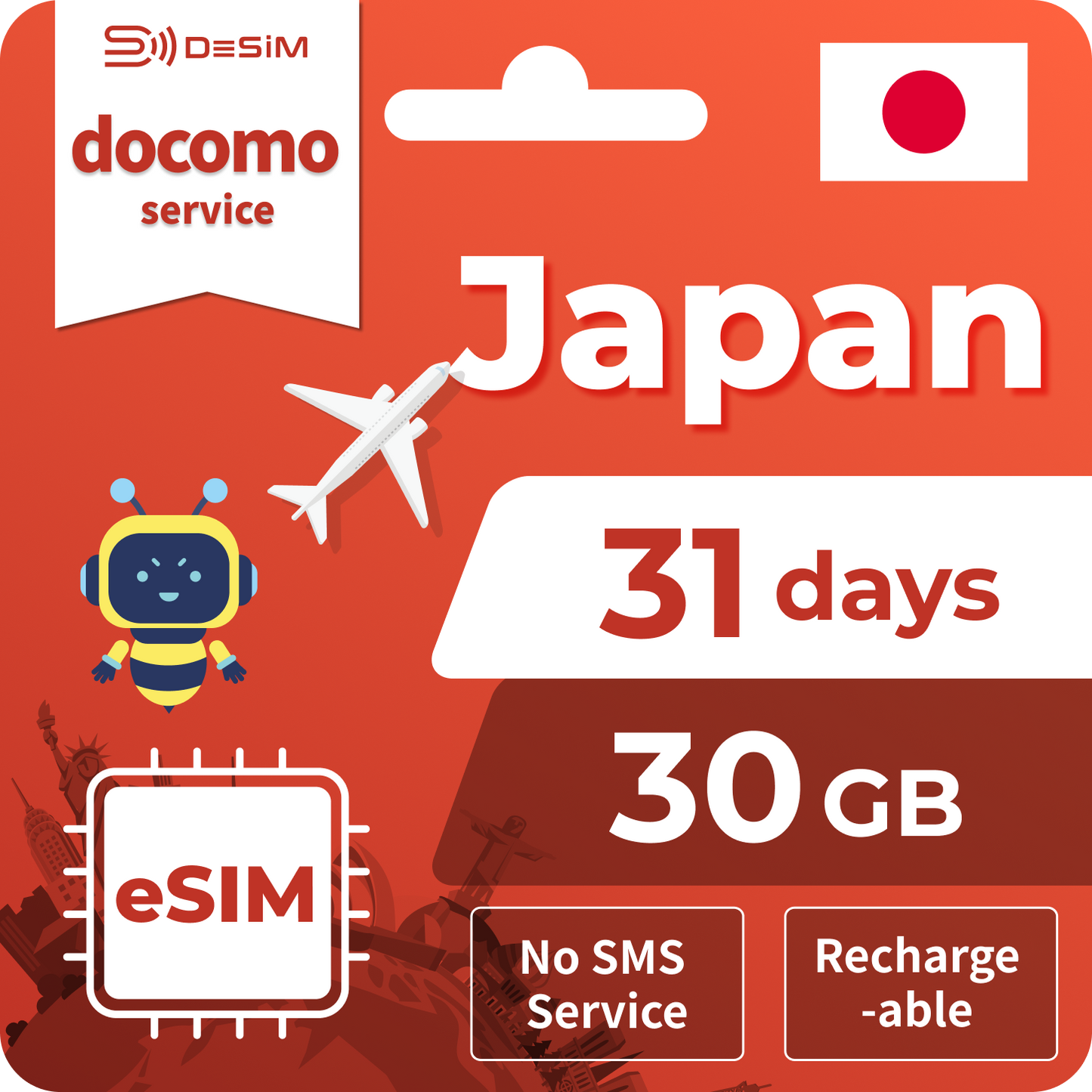
31 Days - 30G


Local eSIM
Regular price $24.00 USD
Regular price Sale price $24.00 USD
Sale Sold out
Duration
Capability
View full details
Description
Carrier
Delivery
Network
Key Features
Technical Details

📱 Japan eSIM Data Plan (Data Only)

🔌 Network Coverage
Powered by NTT DOCOMO, one of Japan’s leading mobile network operators, providing reliable nationwide connectivity.

📈 Connection Type
Supports 4G high-speed data.
This is a data-only eSIM (no voice calls), making it ideal for video streaming, navigation apps, social media, online gaming, and all your mobile data needs while on the go.

🚀 Activation
The eSIM is automatically activated once it connects to a mobile network.
Please install and start using the eSIM within 2 days of issuance.

  • If not activated manually, the eSIM will automatically start on the 3rd day, and the plan validity period will begin.

  • All date and time calculations are based on Japan Standard Time (JST).

📩 Delivery Method
Your eSIM details will be sent via email immediately after purchase.
We provide 24/7 customer support, so you can use our service with confidence.

🗾 Coverage Area
Available nationwide across Japan.

💡 Key Features

  • Simple data-only design with no voice calls

  • Reliable 24/7 customer support before and after use

Docomo
EMAIL
4G
Plan Type: Data-only eSIM (no voice calls or SMS) Delivery Time: Approximately within 20 minutes after purchase eKYC (Identity Verification): Not required
Please install and start using the eSIM within 2 days of issuance. If not activated manually, the eSIM will automatically activate on the 3rd day, and the plan validity period will begin. All date and time calculations are based on Japan Standard Time (JST).
  • 安定した高速インターネット

    旅行先で一番つながりやすいネットワークを自動選択するので、安定性とスピードで接続できます。

  • 柔軟な料金プラン

    旅行日数や使い方に応じて選べる、多彩なプランをご用意。
完全無制限プランなら速度制限の心配なし。
そのほかにも豊富なプランをご用意しているので、きっとあなたにぴったりのプランが見つかります。

  • 安心のLINEカスタマーサポート

    365日24時間対応!初めてのご利用でも快適に接続ができるよう、お客様をサポートいたします。

1 of 3

お届けする内容

ご購入後、以下の内容を記載したメールをお送りします:

  • eSIMのQRコード
  • 分かりやすい設定手順(スムーズに接続いただけます)
  • 1. 「設定」>「モバイル通信」を開く

  • 2. 「eSIMを追加」をタップ

  • 3. phoneでQRコードをスキャン

1 of 3

私たちがしっかりサポートします

365日24時間対応!初めてのご利用でも快適に接続ができるよう、お客様をサポートいたします。